Snap or pick
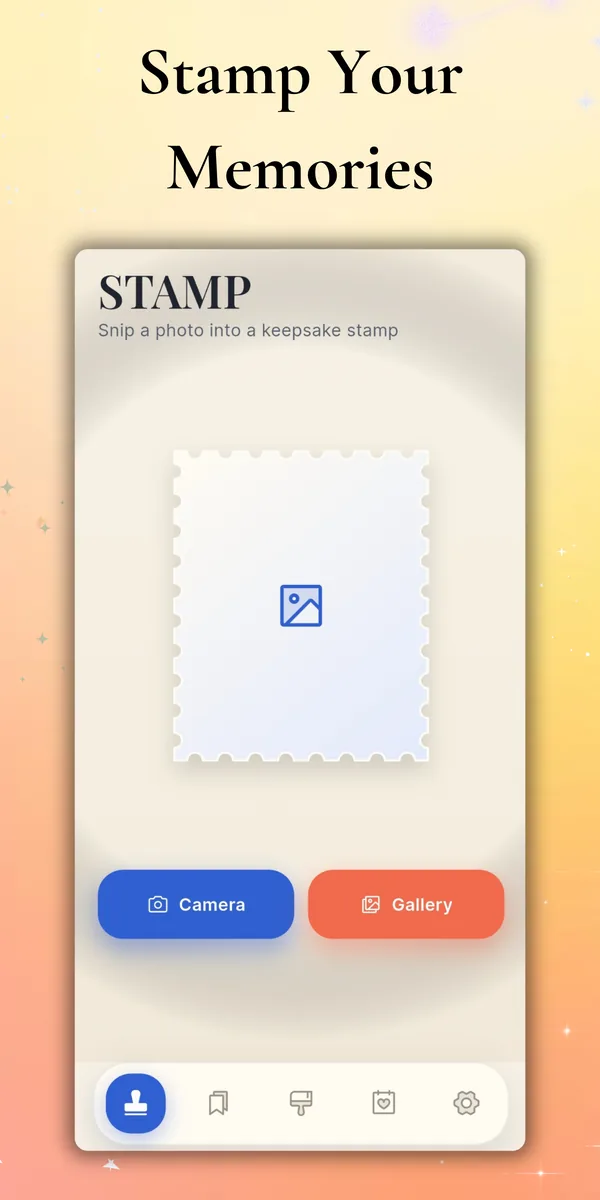
Use the built-in camera or choose an image from your gallery, then snip it into a postage-style stamp in a single tap.
 Stamp Maker
Get the app ↗
Stamp Maker
Get the app ↗
Snip any photo into a beautiful postage-style stamp, collect your moments into albums, and arrange them on memory pages you'll want to keep forever.
Inside the app
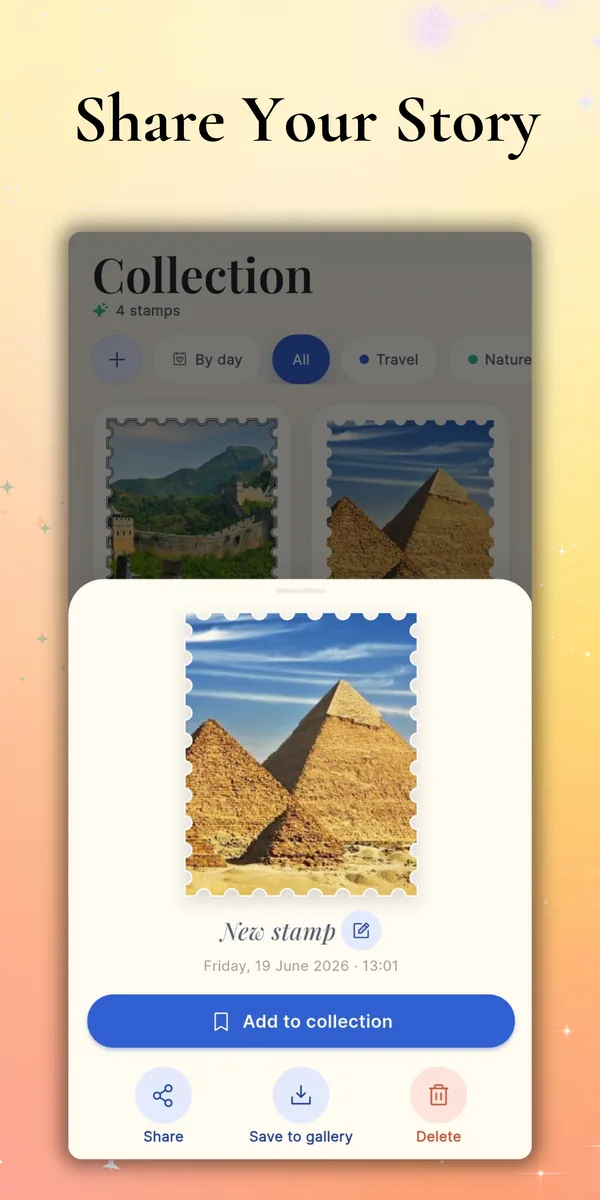
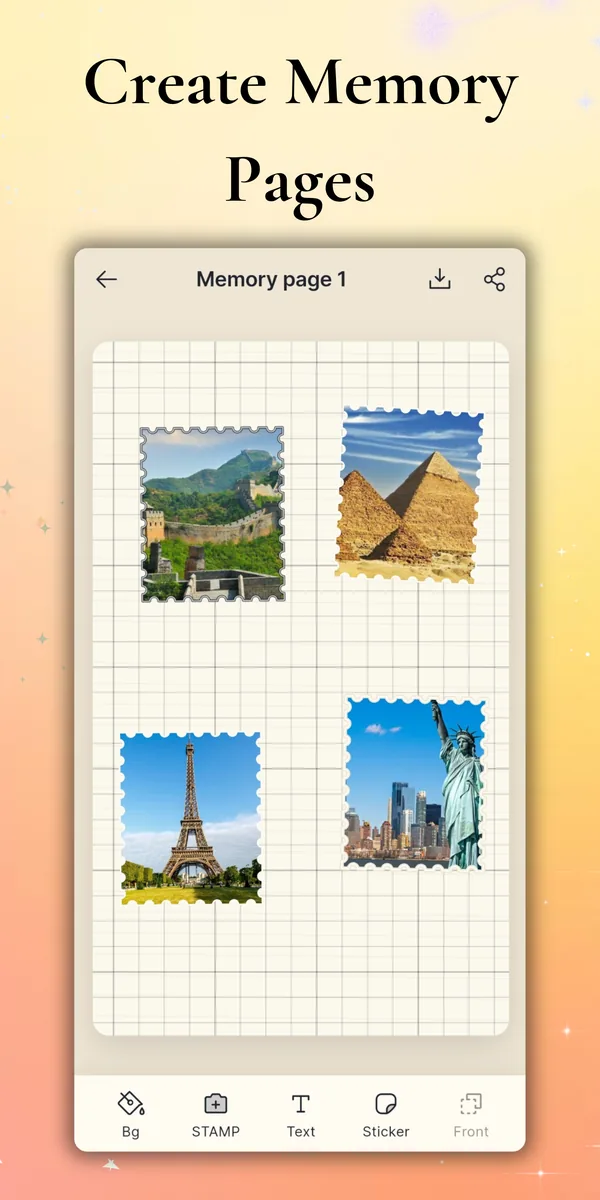
Snip a photo into a stamp, add a caption and frame, style the effect, then file it away in your collection or place it on a memory page—without ever leaving the app.
Less clutter. More memory.
Use the built-in camera or choose an image from your gallery, then snip it into a postage-style stamp in a single tap.
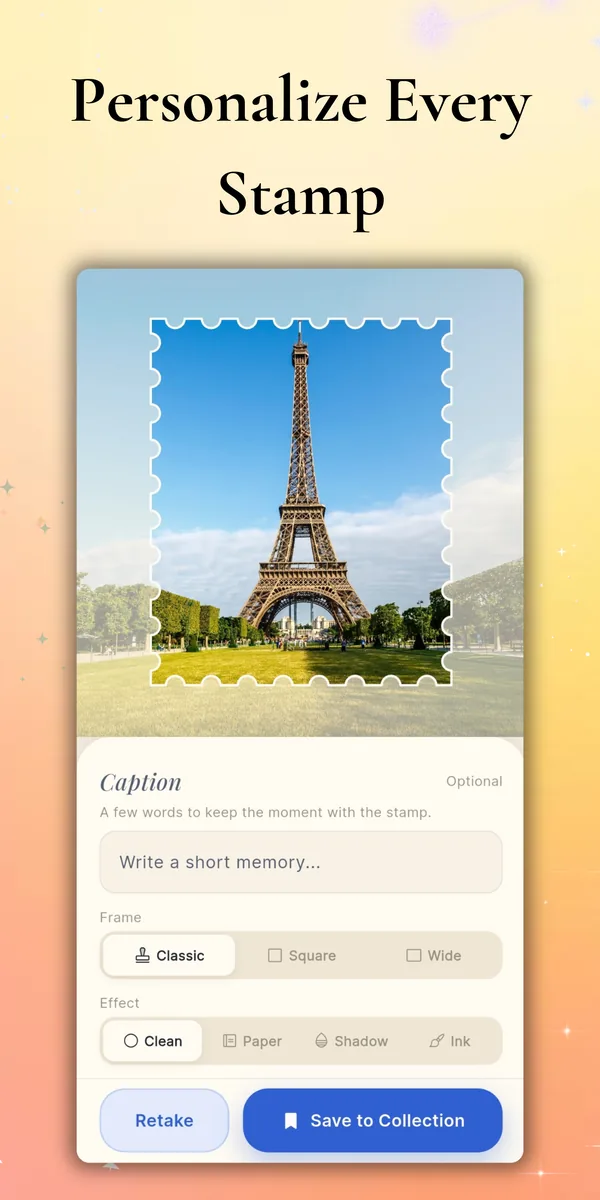
Add a short caption, pick a frame—Classic, Square, or Wide—and finish with an effect: Clean, Paper, Shadow, or Ink.
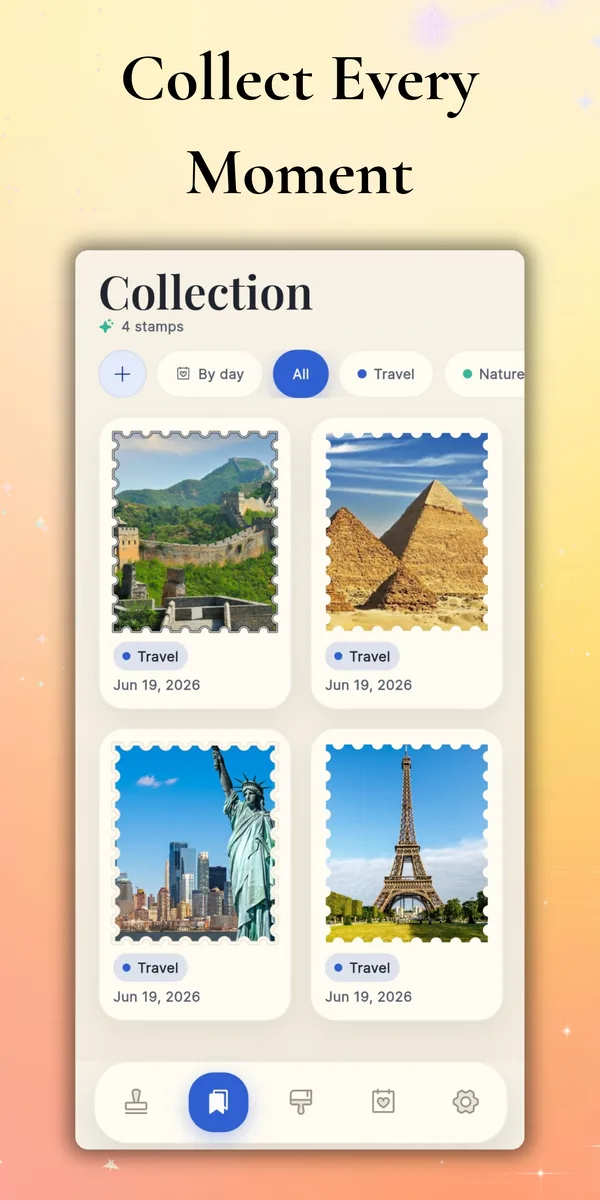
File stamps into albums, arrange them on memory pages with stickers and text, then export or share anywhere.